
- Details
- Written by: Hans
- Category: General
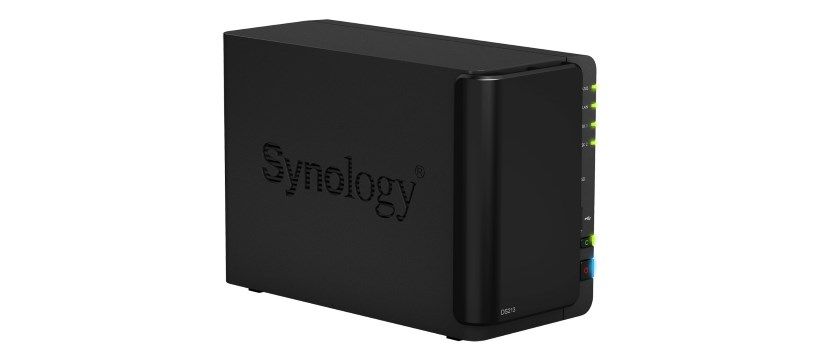
Since I have a Synology NAS I wanted to install Joomla on it. I didn't have any plans with this install but wanted to try it. The install of Joomla was not that hard, first phpMyAdmin, than mariaDB and at last install Joomla. It worked just fine right out of the box.
There was an update immediatly available, a new version of the Dutch language file so I wanted to update this. I tried but got a error: JFolder::create: Path not in open_basedir paths
It was not that hard to find the solution to this problem and it is simple.
- Log into your NAS and go to
Configuration > Webservices > tab PHP-settings(translated from Dutch) - Add a bit to the setting
open_basedirat the end of the line::/volume1/web/ - Save this and now your updates or installs in Joomla should work, it did for me
- Details
- Written by: Hans
- Category: General
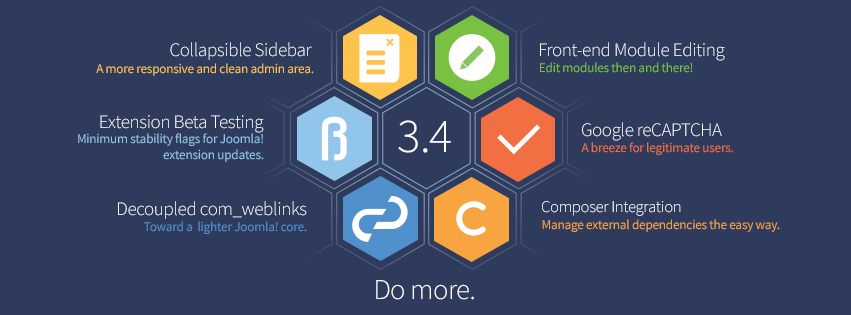
On 24 february is Joomla 3.4 was released. Lots of changes were made, these are the most interesting:
Component weblinks
With Joomla versie 3.4 the component Weblinks is removed from the Joomla core, but it is still possible to install this extension. The reason for removal from the core is that the Joomla team wants to make the core lighter andnon-essential components are to be removed. If you upgrade from an earlier version you can manually remove the extension.
- Details
- Written by: Hans
- Category: General
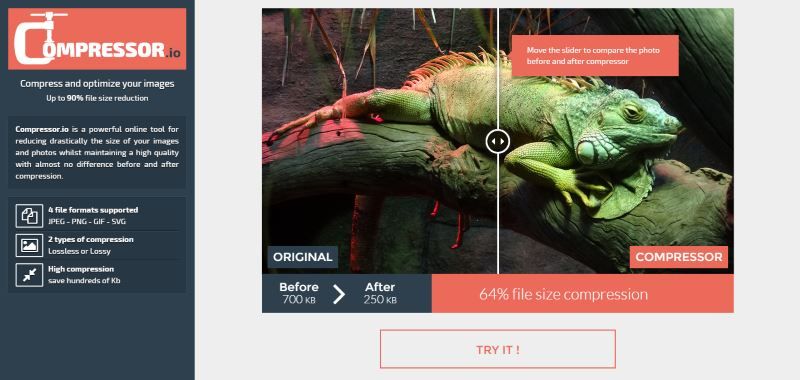
I've read that it is important to have smaller image sizes. Of course this is logical, having larger images will result in a bigger data transfer wich is slowing down your website. Somewhere in 2014 I followed a webinar of Daniel Kanchev about speeding up your Joomla-website, and he also mentioned the optimalisation of images via smush.it of yahoo.
- Details
- Written by: Hans
- Category: Joomla
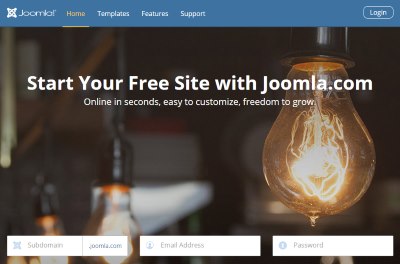
Since 20 january 2015 Joomla a new service. At joomla.com you can build a free Joomla website. This service is offered in collaboration with Siteground webhosting who builds the entire server structure where all Joomla websites will be hosted. Another possibility is to use demo.joomla.org where you can register a 90 day trail website, also hosted by Siteground.
The differences between these services are that you have control of your extensions & templates t the 90 days version while the joomla.com version you ahave a fixed subdomain with a selection of extensions & templates, updates are installed automatically. Both services offer the possibility to move to a private domain with your own hosting.
Both possibilities have their own pros and cons What is the good thing is that starting with Joomla! is now a lot easier. If you want to read the official announcement, just click here.